
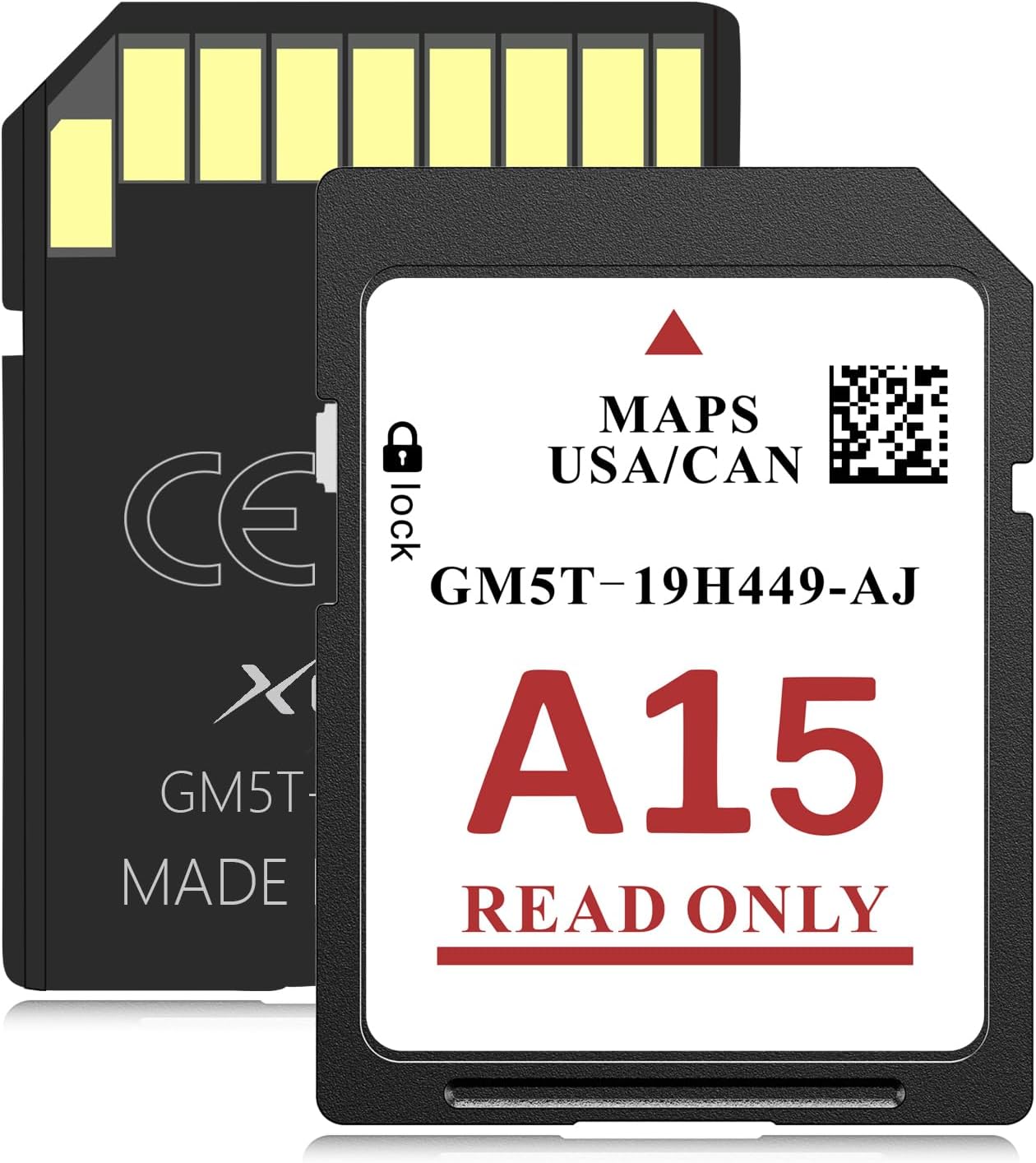
XGEEK A15 2025 Latest Navigation SD Card Accessory for Ford/Lincoln–Compatible with F150, Explorer, Fusion, Expedition,Escape,Edge,MKC,MKZ,MKX,Sync 2,USA/Canada Maps Update, Model GM5T-19H449-AJ.
$23.99
Price when purchased online
Free shipping
Free 30-day returns
Sold and shipped by www.photo2paint.com
We aim to show you accurate product information. Manufacturers, suppliers and others provide what you see here.
$23.99
Price when purchased online
Free shipping
Free 30-day returns
Sold and shipped by www.photo2paint.com
Free 30-day returns Details
Product details
| Management number | 217756036 | Release Date | 2026/04/19 | List Price | $9.60 | Model Number | 217756036 | ||
|---|---|---|---|---|---|---|---|---|---|
| Category | |||||||||
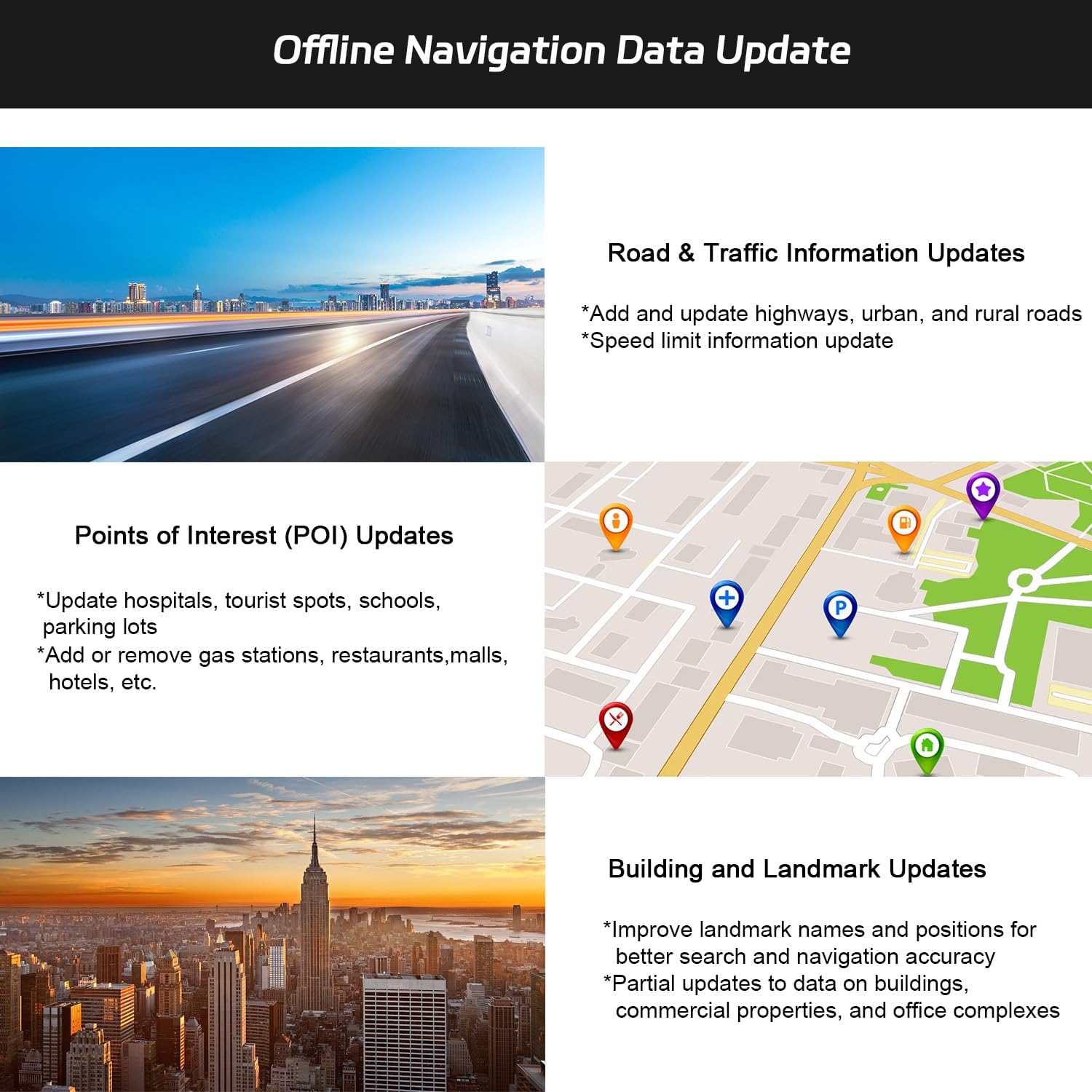
- SYNC 2 Navigation System Map Update for the United States and Canada. Get directions to wherever you travel with this map update that identifies roads, subdivisions, business and points of interest. Drive confidently through unfamiliar or recently changed areas and arrive at your destination quickly and efficiently.
- **Upgrade Replacement – 2025 Navigation SD Card**The latest 2025 version replaces map databases from A4 to A14 with a fully upgraded system. Includes newly added highways, city roads, and POI data, along with optimized speed limits and route planning for more accurate, smarter, and safer navigation.
- **Compatible Ford Navigation Models** (Edge 2011-2015) - (Expedition XT 2015) - (Expedition 2015) - (Explorer 2011-2016) - (Escape / Escape Hybrid 2013-2015) - (Taurus 2013-2015) - (Transit 2014-2015) - (Transit Connect 2014-2015) - (F-150 2013-2015) - (Flex 2013-2015) - (Fiesta 2014-2015) - (Focus 2012-2015) - (Fusion 2013-2016) - (Mustang 2015) - (C-Max 2013-2015) - (Super Duty F250 / F350 / F450 2013-2016)
- **Compatible Lincoln Navigation Models**(MKC 2015) - (MKS 2013-2015) - (MKT 2013-2015) - (MKX 2011-2016) - (MKZ 2014-2016) - (Navigator 2015)
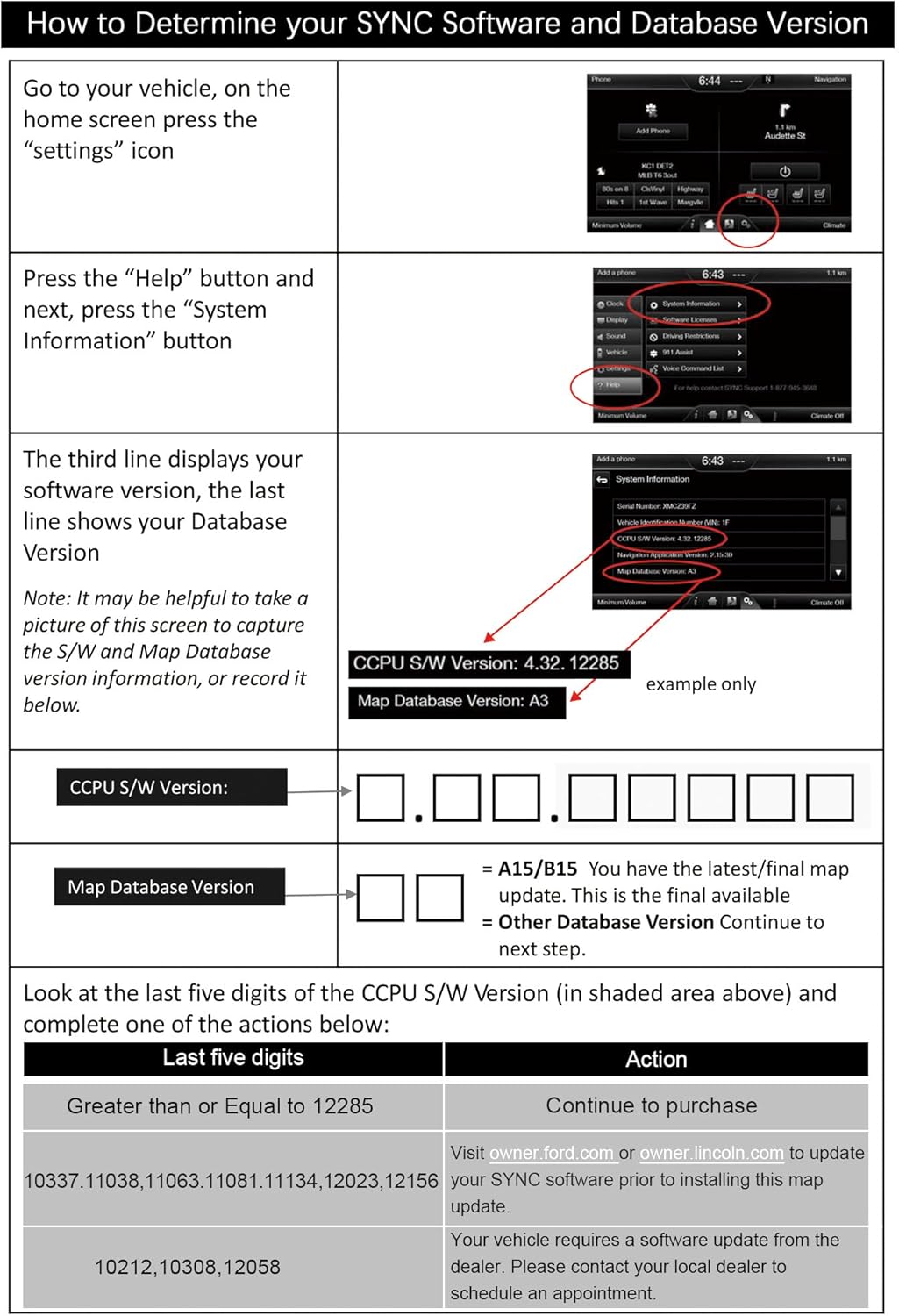
- **Installation Instructions** Before installation, check whether the Ford/Lincoln SYNC system’s central processor (CCPU) is compatible or requires an upgrade; for detailed steps, refer to main image 7; 2. Turn off the vehicle and remove the old navigation card; 3. Insert the new Navigation SD Card and start the engine, the “Navigation” icon should appear in the top-right corner.
- **(NOTE) **This update will NOT work for Sync 3 or 4 systems, or vehicles that don't already have navigation. Please ensure you have navigation before purchasing.




Bestseller ranking
In-Dash Navigation


![[4+64G] Android 13 Car Stereo w/Carplay & Android Auto for Jeep Wrangler Radio 2007-2018,for Chrysler for Dodge Ram 1500/2500/3500 Radio Upgrade with AHD Camera,GPS Navigation,SWC,WiFi,FM,Bluetooth](https://m.media-amazon.com/images/I/71oZ69RdsBL._AC_SL1500_.jpg)

Customers who viewed this product also viewed
Washers


Correction of product information
If you notice any omissions or errors in the product information on this page, please use the correction request form below.
Correction Request Form